
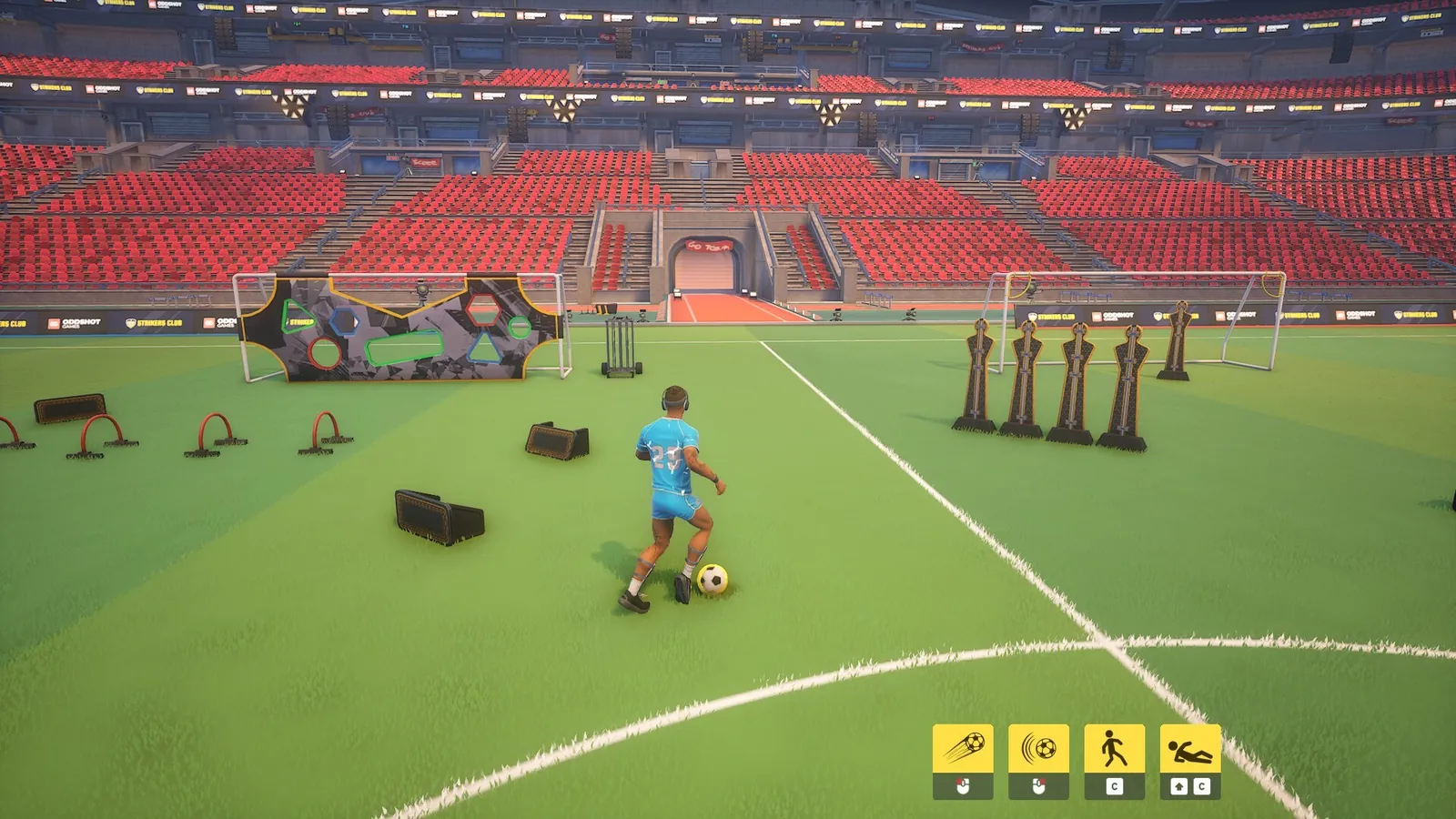
Strikers Club controls
Strikers Club supports keyboard and controller. Exact key labels live in the in-game Settings menu — this page lists the actions official materials describe.
Oddshot Games and press coverage say Strikers Club is playable with keyboard or controller. Do not assume template binds from other football games.
Public feature copy repeatedly names dribbling, passing, shooting, tackling, skill moves, and camera-based shot aiming as core outfield tools.
Goalkeeper mode adds a dedicated mechanics set. Use the interactive controls tool as a second-screen checklist while you confirm binds in Settings.
Sponsored
Outfield action list
Strikers Club outfield actions (verify binds in-game)
| Action | Icon | What public sources say |
|---|---|---|
| Dribble | ⚽ | Maintain direction and speed while moving with the ball |
| Pass | ➡️ | Move the ball to teammates to run a play |
| Shoot | 🎯 | Place shots; use the camera to aim |
| Tackle | 🛡️ | Contest possession with fully player-controlled challenges |
| Skill moves | ✨ | Chain moves to dodge defenders with flair |
Goalkeeper actions
Steam says choosing goalie unlocks an extra set of mechanics for keeping the goal line clear. Keepers can also run up to participate in plays further up the field.
Treat goalkeeper as its own Strikers Club control profile — warm up in practice before locking the role in a serious lobby.
Recommended tools
Related guides
Verify binds, match rules, and Early Access features in the live Strikers Club client after updates. Public store copy may lag behind patches.